Word Capitalization Tool
Convert text between uppercase, lowercase, proper case, and more
How to use:
Enter your text in the input area below, then click any of the transformation buttons to convert your text to the desired case. You can also copy the result or clear both fields.
Input Text
Output Text
Word Capitalization Tool: The Ultimate Guide to Formatting Your Text Like a Pro
Word Capitalization Tool: In today’s fast-paced digital world, writing is a part of almost every profession. Whether you are drafting a formal email, writing a blog post, or creating social media captions, the way your text looks matters. Incorrect capitalization can make your writing look unprofessional and hard to read. This is where a Word Capitalization Tool becomes an essential asset.
In this article, we will explore what a capitalization tool is, why it is important, and how you can use it to enhance your writing efficiency.
What is a Word Capitalization Tool?
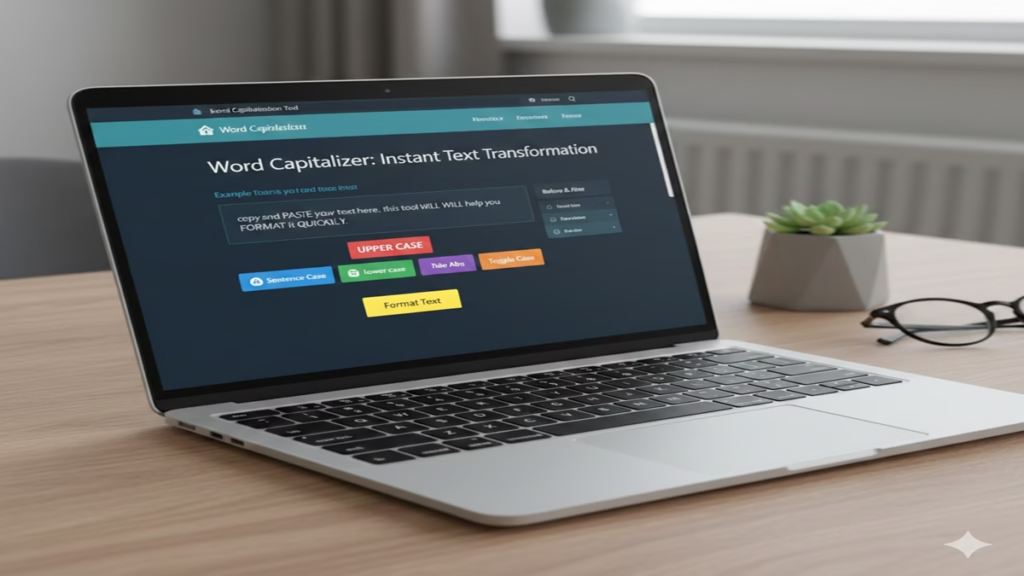
A Word Capitalization Tool (also known as a Case Converter) is a web-based utility that allows you to change the case of your text with a single click. Instead of manually retyping paragraphs to fix a “Caps Lock” error or to format a title, you can simply paste your text into the tool and select the desired format.
Key Features of a Case Converter Tool
1. Sentence Case
It is the most common format used for emails and essays.
2. Title Case (Capitalize Each Word)
In Title Case, the first letter of every word is capitalized. This is perfect for book titles, blog headlines, and official headings.
3. UPPER CASE
It is widely used for emphasis, warnings, or screaming headlines.
4. lower case
This converts all text into small letters. It is particularly useful if you accidentally typed something in all caps and need to normalize it.
5. Toggle Case
A fun feature that reverses the case of every letter—small letters become capital and vice versa.
Why Should You Use an Online Capitalization Tool?
1. Saves Significant Time:
Manually editing a 1,000-word document just to change the headers can take a lot of time. With this tool, the transformation happens in milliseconds.
2. Eliminates Human Error:
When retyping text, it is easy to make spelling mistakes. A conversion tool ensures that the characters remain the same, only the case changes.
3. Professional Appearance:
Consistency is key to professional writing. Using a Title Case converter ensures all your headings follow the same style, making your work look polished.
4. Accessibility and Ease of Use:
Most capitalization tools are free, require no installation, and work on any device—be it a smartphone, tablet, or PC.
Who Benefits from This Tool?
- Students: For formatting academic papers and citations.
- Content Creators: To create catchy, well-formatted titles for YouTube or Blogs.
- Developers: For formatting strings or code comments quickly.
- Office Employees: For ensuring that reports and emails follow professional standards.
Conclusion
A Word Capitalization Tool is a simple yet powerful utility that every modern writer should have in their bookmarks. It removes the tediousness of manual formatting and allows you to focus on the quality of your content. If you want your text to be readable, professional, and error-free, a quick run through a case converter is all you need.
Quick Function Reference Table
| Feature | Example Input | Resulting Output |
| Sentence Case | i love writing. | I love writing. |
| Upper Case | hello world | HELLO WORLD |
| Lower Case | STOP SHOUTING | stop shouting |
| Title Case | how to start a blog | How To Start A Blog |
Frequently Asked Questions (FAQs)
Q1. What is the difference between Title Case and Sentence Case?
Ans: Sentence Case capitalizes only the first letter of the first word in a sentence (and proper nouns). Title Case (also known as Capitalize Each Word) capitalizes the first letter of almost every word in a phrase, which is ideal for blog titles, headings, and book names.
Q2. Can I convert a full paragraph from Upper Case to Lower Case at once?
Ans: Yes! You can paste an entire document or a long paragraph into the tool. By selecting the ‘lower case’ option, every single letter will be converted to small case instantly, saving you from manual re-typing.
Q3. Does this tool store my private text or data?
Ans: Most online Word Capitalization Tools are browser-based, meaning the conversion happens on your computer and the text is not saved on any server. However, it is always recommended to use trusted tools when handling sensitive or confidential information.
Q4. Why should I use a Capitalization Tool for SEO?
Ans: Consistency in headings (H1, H2, H3 tags) is a key factor for a professional user interface. Using Title Case for your headlines makes them more readable and attractive to users, which can indirectly improve your Click-Through Rate (CTR) and SEO performance.
Q5. Is this tool free to use on mobile devices?
Ans: Absolutely! These tools are web-based and fully responsive. You can access them via any mobile browser (Chrome, Safari, etc.) on both Android and iOS devices without needing to download any additional app.