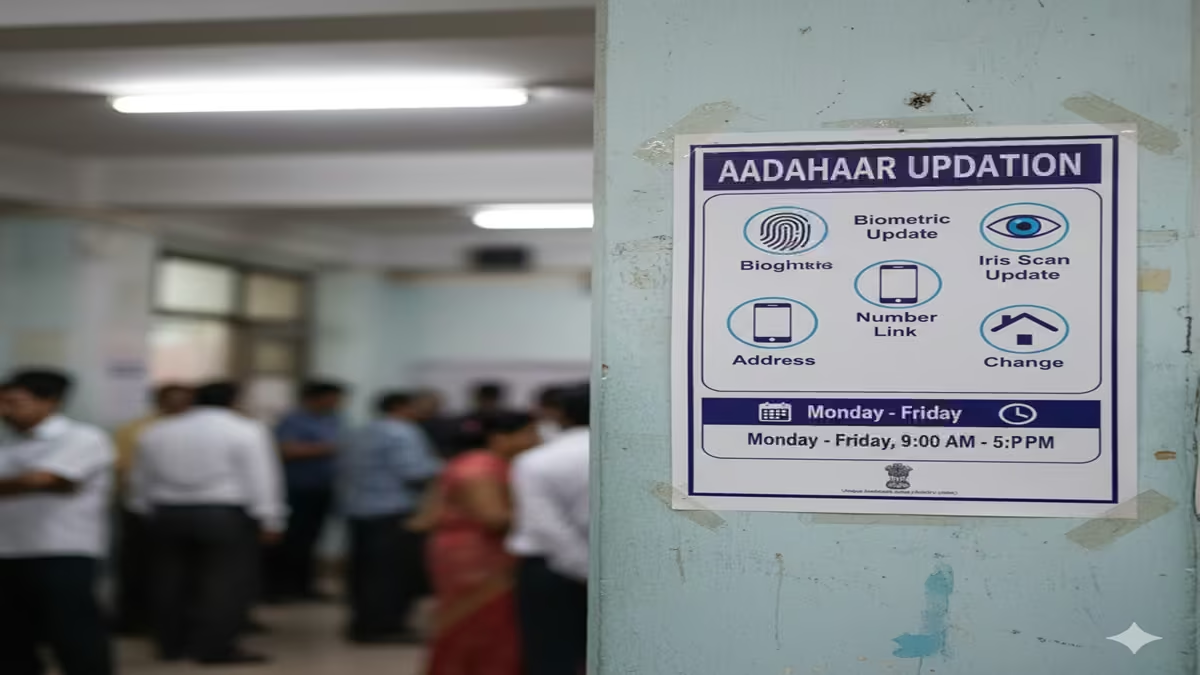
Aadhar Updation 2026: आधार कार्ड अपडेट करने का नया और आसान तरीका; घर बैठे सुधारें नाम, पता और जन्मतिथि!
Aadhar Updation 2026: Introduction: Dosto, आज के डिजिटल युग में आधार कार्ड (Aadhar Card) हमारी पहचान का सबसे बड़ा प्रमाण है। लेकिन क्या आप जानते हैं कि समय-समय पर आधार को अपडेट रखना कितना जरूरी है? भारत सरकार और UIDAI के नए नियमों के अनुसार, अगर आपका आधार कार्ड 10 साल से ज्यादा पुराना है, तो आपको उसे अपडेट करना अनिवार्य है।
चाहे आपको अपना एड्रेस बदलना हो, नाम में सुधार करना हो या मोबाइल नंबर अपडेट करना हो—अब आपको लंबी लाइनों में लगने की जरूरत नहीं है। आज के इस आर्टिकल में हम Aadhar Updation 2026 की पूरी ऑनलाइन प्रोसेस विस्तार से समझेंगे।
1. Aadhar Updation क्यों जरूरी है?
आधार अपडेट न होने की स्थिति में आपको कई समस्याओं का सामना करना पड़ सकता है, जैसे:
- सरकारी योजनाओं (DBT) का पैसा रुक जाना।
- बैंक अकाउंट से जुड़ी सेवाओं में दिक्कत।
- सिम कार्ड या नया कनेक्शन लेने में परेशानी।
- इनकम टैक्स और पैन कार्ड लिंकिंग में समस्या।
2. आप ऑनलाइन क्या-क्या अपडेट कर सकते हैं?
Aadhar Updation 2026: UIDAI के myAadhaar पोर्टल के जरिए आप घर बैठे ये चीजें अपडेट कर सकते हैं:
- Address (पता): इसे आप खुद ऑनलाइन बदल सकते हैं।
- Name (नाम): मामूली सुधार के लिए ऑनलाइन आवेदन किया जा सकता है।
- Date of Birth (जन्मतिथि): अगर वैध दस्तावेज हैं तो इसे भी सुधारा जा सकता है।
- Gender (लिंग): इसे ऑनलाइन बदला जा सकता है।
- Document Update: पहचान और पते के प्रमाण पत्र (POI/POA) अपडेट करना।
नोट: फोटो, फिंगरप्रिंट और मोबाइल नंबर अपडेट करने के लिए आपको नजदीकी Aadhar Center जाना होगा।
3. Step-by-Step: आधार कार्ड ऑनलाइन अपडेट कैसे करें?
Step 1: UIDAI पोर्टल पर लॉग इन करें सबसे पहले myaadhaar.uidai.gov.in पर जाएं। वहां ‘Login’ बटन पर क्लिक करें और अपना आधार नंबर और कैप्चा (Captcha) डालें।
Step 2: OTP वेरिफिकेशन आपके आधार से लिंक मोबाइल नंबर पर एक OTP आएगा। उसे दर्ज करके पोर्टल के अंदर डैशबोर्ड पर पहुंचें।
Step 3: ‘Address Update’ विकल्प चुनें अगर आपको पता बदलना है, तो ‘Address Update’ पर क्लिक करें। अगर आपको डॉक्यूमेंट अपडेट करने हैं, तो नीचे दिए गए ‘Document Update’ विकल्प को चुनें।
Step 4: नए डिटेल्स भरें जो जानकारी आप बदलना चाहते हैं, उसे सही-सही भरें। ध्यान रहे कि जानकारी आपके सपोर्टिंग डॉक्यूमेंट (जैसे बिजली बिल, रेंट एग्रीमेंट या वोटर आईडी) से मैच होनी चाहिए।
Step 5: डॉक्यूमेंट अपलोड करें अपने दस्तावेजों की साफ फोटो या PDF फाइल स्कैन करके अपलोड करें।
Step 6: पेमेंट करें ऑनलाइन अपडेशन के लिए सरकार आमतौर पर ₹50 की फीस लेती है। इसे आप UPI, डेबिट कार्ड या नेट बैंकिंग से पे कर सकते हैं।
Step 7: SRN नंबर सेव करें पेमेंट सफल होने के बाद आपको एक Update Request Number (URN/SRN) मिलेगा। इसे संभाल कर रखें ताकि आप स्टेटस चेक कर सकें।
4. Aadhar Updation के लिए जरूरी दस्तावेज (Documents List)
- पहचान के लिए (POI): पैन कार्ड, पासपोर्ट, वोटर आईडी।
- पते के लिए (POA): राशन कार्ड, बिजली बिल (3 महीने से पुराना न हो), बैंक पासबुक।
- जन्मतिथि के लिए: बर्थ सर्टिफिकेट या 10वीं की मार्कशीट।
5. अपडेशन के बाद स्टेटस कैसे चेक करें?
Aadhar Updation 2026: आधार अपडेट होने में आमतौर पर 5 से 15 दिन का समय लगता है। स्टेटस चेक करने के लिए:
- MyAadhaar पोर्टल पर ‘Check Enrolment & Update Status’ पर जाएं।
- अपना SRN नंबर और कैप्चा डालें।
- वहां आपको पता चल जाएगा कि आपका आधार अपडेट हो गया है या रिजेक्ट।
Conclusion: अपने आधार को रखें हमेशा अपडेट!
Aadhar Updation की प्रक्रिया अब बहुत सरल हो गई है। इसे टालने के बजाय आज ही पूरा करें ताकि आपकी बैंकिंग और सरकारी सुविधाएं बिना किसी रुकावट के चलती रहें। अगर आपका आधार १० साल पुराना है, तो तुरंत ‘Document Update’ सेक्शन में जाकर अपने कागज अपलोड करें।
Aadhar Updation Kaise Kare Online 2026: Complete Step-by-Step Guide
Introduction: Why Keeping Your Aadhar Updated is Crucial
Aadhar Updation The Aadhar card has evolved from being just an identification document to becoming the cornerstone of India’s digital infrastructure. As we move into 2026, an updated Aadhar is essential for accessing government services, banking facilities, subsidies, and various digital initiatives. Whether you’ve changed your address, mobile number, or need to correct personal details, keeping your Aadhar information current ensures seamless access to services and prevents potential fraud.
This comprehensive 2026 guide will walk you through every aspect of Aadhar updating—from understanding what details you can modify online to navigating the updated UIDAI portal with the latest security features introduced in recent years.
Part 1: Understanding What Can Be Updated Online
Details You Can Update Online (Self-Service)
- Demographic Information:
- Name (with limitations)
- Address (with valid proof)
- Date of Birth (with supporting documents)
- Gender
- Contact Information:
- Mobile Number (requires OTP verification)
- Email Address
Details Requiring Visit to Aadhar Enrollment Center
- Biometric Updates:
- Photograph (if above 15 years)
- Fingerprints
- Iris scan
- Major Changes:
- Complete name change (different from minor corrections)
- Multiple field changes simultaneously
Important Note for 2026: The UIDAI has significantly expanded online update capabilities, but biometric updates still require physical verification at authorized centers due to security protocols.
Part 2: Step-by-Step Online Aadhar Update Process 2026
Step 1: Preparation – Documents Required
Aadhar Updation 2026: Before starting the online update process, ensure you have:
- Valid Proof Documents (based on what you’re updating):
- Address Proof: Passport, Bank Statement, Utility Bill (not older than 3 months)
- Identity Proof: PAN Card, Passport, Driving License
- Date of Birth Proof: Birth Certificate, SSLC Certificate
- Mobile Number (registered with Aadhar for OTP verification)
- Scanner or Smartphone for document upload
2026 Update: UIDAI now accepts digital documents with QR code verification, making the process faster.
Step 2: Accessing the Official UIDAI Portal
- Visit the official website: uidai.gov.in or myaadhaar.uidai.gov.in
- Look for the “Update Your Aadhar” section
- Click on “Update Demographics Data Online”
Security Tip for 2026: Always verify you’re on the official UIDAI website (look for the padlock symbol and “https://”). Phishing sites have become more sophisticated.
Step 3: Login and Request Update
- Enter your 12-digit Aadhar number
- Receive and enter OTP sent to your registered mobile
- Select the field(s) you wish to update
- Fill in the correct information as per your documents
Step 4: Document Upload
- Upload scanned copies of supporting documents
- Ensure documents are clear, readable, and in accepted formats (PDF, JPEG, PNG)
- File size should not exceed 2MB (as per 2026 guidelines)
Step 5: Review and Submit
- Carefully review all entered information
- Submit the update request
- Note down the Update Request Number (URN)
Step 6: Payment and Completion
- Pay the update fee (₹50 for demographic updates as of 2026)
- Acceptable payment methods: Credit/Debit Card, Net Banking, UPI
- Receive confirmation on screen and via SMS
Part 3: Tracking Your Aadhar Update Request
Once submitted, you can track your request:
- Visit the UIDAI website’s “Check Update Status” section
- Enter your URN or Aadhar number
- Track progress through various stages:
- Request Received
- Under Verification
- Update Approved
- Update Completed
Aadhar Updation 2026: 2026 Enhancement:The UIDAI portal now provides estimated completion times and sends proactive status updates via SMS and email.
Part 4: Special Scenarios and Solutions
Mobile Number Not Registered/Changed
- Visit the nearest Aadhar Enrollment Center
- Submit a request to update mobile number with valid ID proof
- Once updated, you can use online services
Updating for Children
- Below 5 years: Biometric update required every 5 years
- 5-15 years: Biometric update mandatory when child turns 15
- Above 15 years: Treated as adult for update purposes
NRI Aadhar Updates
Aadhar Updation 2026: NRIs can update Aadhar online but need:
- Valid Indian passport as proof
- Overseas address can be updated with foreign address proofs
- Indian mobile number still required for OTP (consider maintaining one)
Part 5: New Features in 2026 Aadhar Update System
AI-Powered Document Verification
Aadhar Updation 2026: UIDAI’s 2026 system includes artificial intelligence that:
- Automatically verifies document authenticity
- Detects tampering or photoshopping
- Reduces processing time from weeks to days
Video Verification Option
Aadhar Updation 2026: For certain updates, you may opt for:
- Scheduled video call with UIDAI representative
- Real-time document verification
- Particularly useful for elderly or differently-abled individuals
Blockchain-Based Update History
- Every update creates an immutable record
- Complete transparency in update history
- Enhanced security against unauthorized changes
Integration with DigiLocker
- Direct document fetch from DigiLocker
- Eliminates need for scanning documents
- Ensures authenticity of submitted documents
Part 6: Security Best Practices for 2026
Protecting Your Aadhar Information
- Never share your Aadhar number publicly
- Regularly check your Aadhar authentication history
- Lock your biometrics when not needed for authentication
Identifying and Avoiding Scams
- Official communications come only from @uidai.gov.in domains
- Report suspicious requests immediately to cybercrime authorities
Part 7: Common Problems and Troubleshooting
Update Request Rejected
Aadhar Updation 2026: Common reasons and solutions:
- Document mismatch: Ensure name exactly matches across documents
- Poor document quality: Upload clear, high-resolution scans
- Incomplete form: Fill all mandatory fields marked with asterisk
Delay in Update Processing
- Normal processing: 5-15 working days
- If delayed beyond 30 days, escalate via UIDAI grievance portal
- Check for public holidays and peak seasons
Downloading Updated e-Aadhar
- Wait for confirmation SMS before downloading
- Use password: First 4 letters of name in CAPS + YYYY of birth
- Example: RAMA1985
Conclusion: Embracing Digital Convenience
Aadhar Updation 2026: The Aadhar update process has undergone significant transformation, becoming more user-friendly, secure, and efficient. As we navigate 2026, the emphasis is on digital empowerment while maintaining robust security protocols. By following this comprehensive guide, you can ensure your Aadhar remains accurate and up-to-date, enabling you to access services seamlessly in India’s increasingly digital ecosystem.
Remember, an updated Aadhar is not just a compliance requirement but a gateway to countless services and benefits. Regular updates ensure you remain part of India’s digital revolution without interruptions.
FAQs: Aadhar Update 2026
1. How long does it take to update Aadhar online in 2026?
Aadhar Updation 2026: Typically, online demographic updates take 5-15 working days in 2026. Biometric updates requiring center visits may take slightly longer (up to 30 days). The UIDAI portal now provides real-time tracking with estimated completion dates.
2. Can I update my photograph online without visiting a center?
Aadhar Updation 2026: No, photograph updates still require a visit to an Aadhar Enrollment Center. This is because the photograph needs to be captured with proper lighting and specifications along with live biometric verification to prevent fraud.
3. What should I do if my update request is rejected multiple times?
Aadhar Updation 2026: First, check the rejection reason on the UIDAI portal. Common issues include document mismatch or poor quality. Ensure your supporting documents have exact name matching. If problems persist, visit an Aadhar Enrollment Center for assistance or use the video verification option available in 2026.
4. Is there a limit to how many times I can update my Aadhar details?
Aadhar Updation 2026: For most demographic information, there’s no strict limit, but frequent updates may trigger additional verification. However, certain changes like name modifications have restrictions to prevent misuse. Significant changes may require additional documentation.
5. How can NRIs update their Aadhar while living abroad?
NRIs can update demographic information online using the same portal, but they need an Indian mobile number for OTP verification. For biometric updates, they must visit an enrollment center during visits to India. Some Indian embassies now offer Aadhar services—check with your local embassy for 2026 service availability.
Disclaimer: This guide is based on UIDAI guidelines as of 2026. Procedures and requirements may change. Always refer to the official UIDAI website for the most current information. Update fees, document requirements, and processes are subject to change as per government regulations.